eobdtool.co.uk

eobdtool.co.uk
HOT
显示标签为“kess”的博文。显示所有博文

2018年6月8日星期五

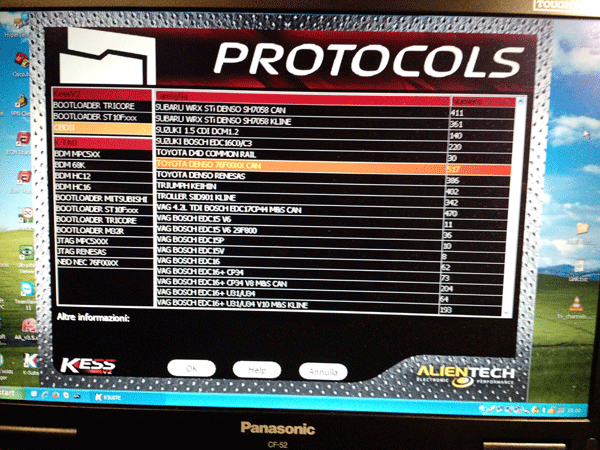
Kess 5.017 with NEW K-Suite 2.47 free download here

Kess V5.017 with New K-Suite 2.47 has added exactly 7400 cars. 

Download links post below for you to download free!
Source 1:
Ksuite_2.47 for Kess v2 5.017 clone

DLL
No need HWID and KG.
Unpack DLL from archive in folder Ksuite/DLL.

Credits to svvag2000.

OS: With clean new install 2.47 ,work fine on all 32 bit, win7 64bit and x86.
newer DLL files also installed.

Installation guide: Unpack ksuite and unpack dll files and copy dll files in dll folder in new ksuite 2.47 folder and run ksuite.exe from there. Don’t copy new ksuite in old install folder.

Source 2:
Firstly, download Software from the below link
Password: CarTechnoloGY.co.uk
License Locked to one PC Machine
then Run Software and Click Ctrl + C to copy Machine ID

and finally past your Machine id to get One/Working license to run your software
Source: volavka

Test reports:
Tested on Polo 2011 tdi with PCR 2.1 unlock by obd. unlocking of PCR2.1 eeprom work all by obd like cmd..activate boot..read..unlock..write mod.yob done.

K-Suite 2.47 VS 2.23:
Caterpillar A5E2 P549
VOLVO 1.6/2.0 Continental SID807 P489
Ford Truck FPT ENGINE BOSCH EDC7U31 KLINE P548
Husquarna KEIHIN P554
ALL SIMOS18 18.1 18.2 NEW GENERATION 4,5mb
MUCH NEW VERSIONS ON OLD PROTOCOLLS
MANY CHECKSUM BUGS FIXED

K-Suite 2.47 adds 7400 Vehicles
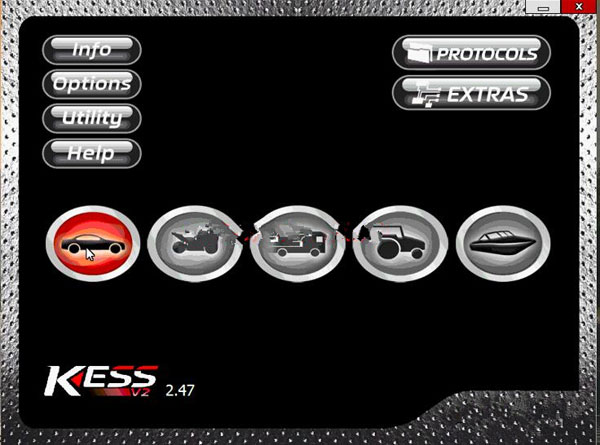


Ksuite 2.47 FAQs:
Q: This Ksuite 2.47 gives something extra out of 5.017 fw, more than 2.23 sw? Really?
A:Installing a higher version of Ksuite does not bring new protocols but adds ECUs to existing protocols and a lot of bug fixes and checksums fixes, Simos18 4.5MB…
This is not useless and the grayed out protocols are not really a problem.

And Ksuite 2.47 is even better with Kess firmware v2 5.028. Work with simos18 very good. If you don’t have a good Kess fw 5.028, firmware 5.017 is the best online option for you.
Q: Does not block the ktag?
A: No Ktag 7.020 only works with 2.25 highest. 2.47 is for Kess 5.017

2018年2月24日星期六

How to Unlock CRP3 LPC2478 by Ktag/Kess

As you know, for crp3 we can do the trick for unlock crp3 heating on Ktag or Kess V2 programmer or buy a new NXP and write it (only one time)
Here are some questions & answers on Google form, questions about “how will you use J-ink if its crp3 ?”...
Q:Can I update NXP directly if at this moment I have Ktag 6.070? Or I will need to replace it with new one and then to update to 7.030 ?
A:if your actual fw is crp3 you will have to do "heating trick " or change nxp, you will know if jlink doesn’t recognise firmware ( i think message about cannot find cpu chain or something like that) , simple

Q:More information this real version or china version? and whats this you can update or or only talk?? thanks
A: this is fw 7.030 we are talking about REAL firmware, not modding number in sw or similar, about second question i don’t understand what you ask.


Q:Need connect 12v ?my led red always off if not connect 12v
A: LED needs to monitor the state of the processor and it must be switched by the controller. If you do not have the power on the controller when connected by USB, then connect the other power source.

Q: How work on ktag, i tried but led already on
A: LED need to monitor the state of the processor and it must be switched by the controller. If you do not have the power on the controller when connected by USB, then connect the other power source.
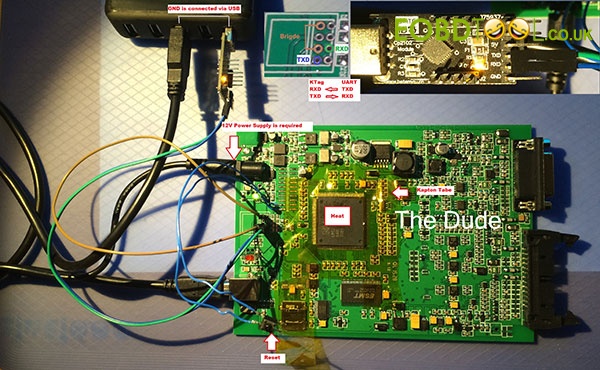
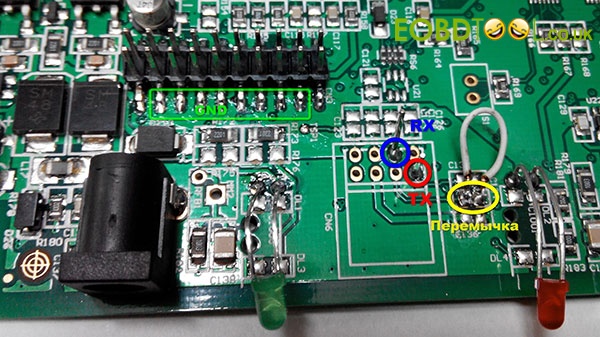
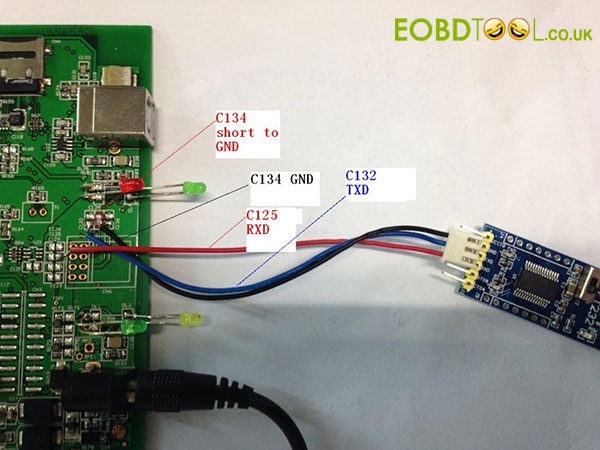
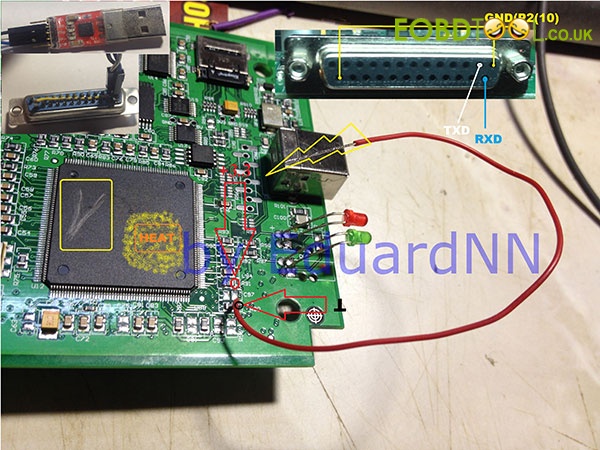
To flash the LPC2478 via J-link, the level of protection should be CRP0, ie protection should be disabled. If security levels CRP1 and CRP2 have the ability to erase and reflash LPC2478 via UART, eg via USB to UART TTL adapter ftdi232 or cp2102 and Flashmagic program.


Q: LPC2478 connect Flash Magic, KESS or KTAG?
A: ...KESS & KTAG...both ok
Note: not all ktag 5.001 can be read with j-link
some are crp3 protected
some are not


Attachment 1: Code Read Protection (CRP)
CRP explanationCRP statusVolume label
The user flash can be read or written.No CRPCRP DISABLD
The user flash content cannot be read but can be updated. The flash memory sectors are updated depending on the new firmware imageCRP1CRP1 ENABLD
The user flash content cannot be read but can be updated. The entire user flash memory is erased before writing the new firmware image.CRP2CRP2 ENABLD
The user flash content cannot be read or updated. The USB bootloader ignores the Entry Mechanism (P0.15 pin) and always executes the user application if present. If user application is not present then "Update" mode is entered.CRP3CRP3 ENABLD

Attachment 2: Here are all pinouts
A method of disabling the protection CRP3 microcontroller LPC2478.... make a photo high resolution of connection on pcb of that wire...and also,what pin you must to touch on nxp
K-Tag pins.


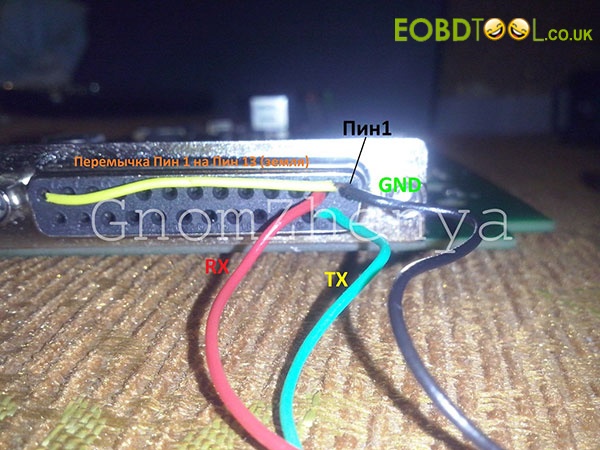
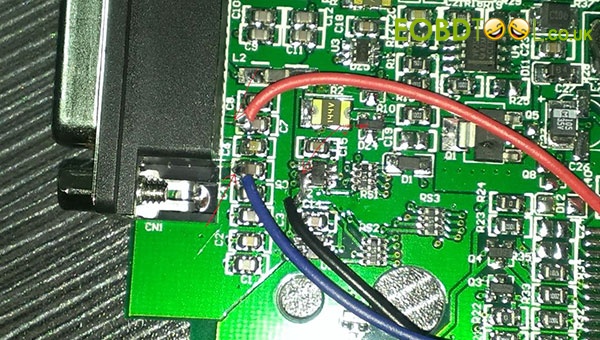
Attachment 3: Photos ofLPC2478 connect Flash Magic
It allows you to erase the NXP MCUs on both Kess & KTag via UART0. This will work for firmwares up to CRP2. CRP0, best off using J-Link as it only takes 30s as opposed to 30 minutes. If you've blocked your KTag properly (CRP3), it won't help you. You will need to swap the processor.

Kess V2 connection method 1:

Kess V2 connection method 2:

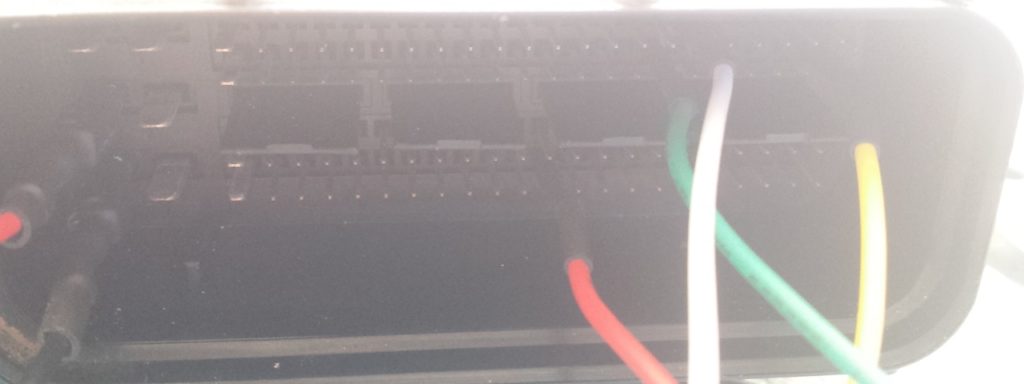
KTag connection:

Disclaimer: Photography of Pinouts is not mine. I am not responsible for a bad use.

2018年2月23日星期五

How to Deal with Kess Ktag V2 No 12V

Here comes a solution from one customer that he solve Kess Ktag V2 no12V problem. Let us move on to view more.

Part 1: Cannot get 12v of output from Kess V2
I use a AC power to connect to my kess V2 adapter. The seller gave it. it it 12v and 1A.
When I use my kess I'm following the next steps.
1 ) Connect the adapter to kess unit
2 ) Connect the ac power adapter to the adapter
3 ) Connect the usb cable to kess unit and the computer and tun the software

My kess read ecus by OBD port. I read a seat leon 1.9 BXE perfectly. It is other edc16 ecu.
The Ksuite shows it has 12,16V-12,30V all time while it is trying to read.
I tested my power supply and it give 12 volts
Solved!


Part 2: Ktag NO 12V

Got a Ktag Clone since a few months. did about 10 ecus with it, no problem! Since today i've got no 12 volt on red wires. Normally when i click read 12v appears on red and orange wires. Now only on orange. When i connect red and orange together everything works like normal.

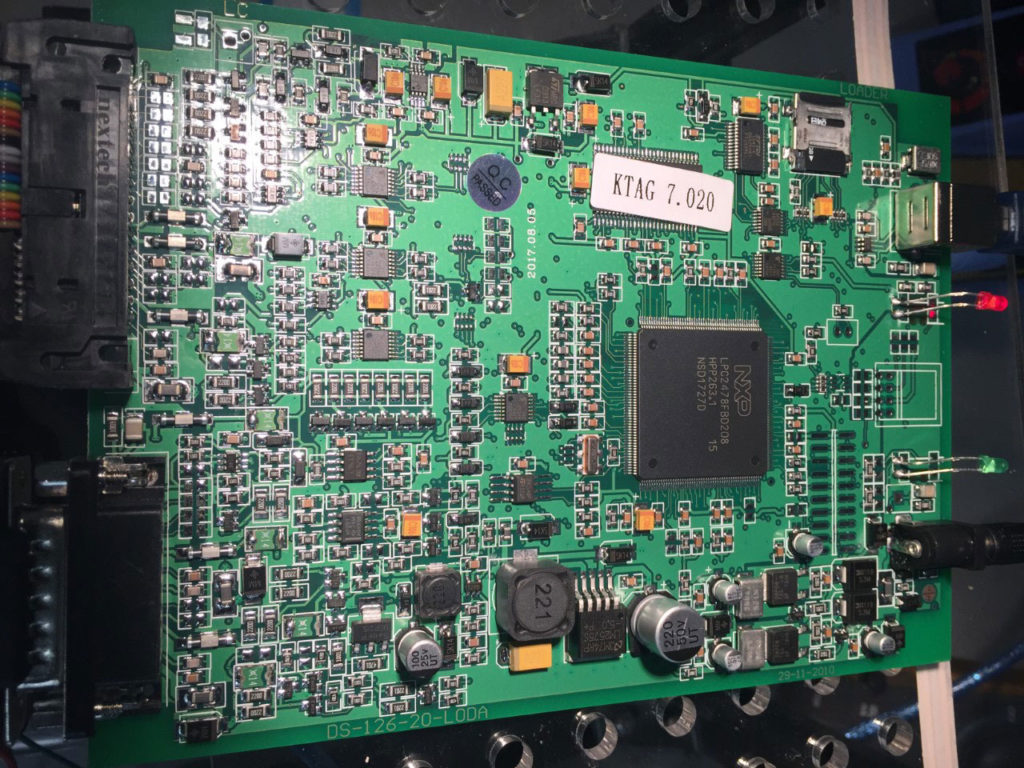
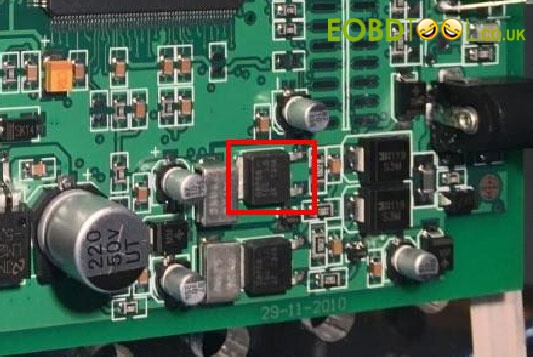
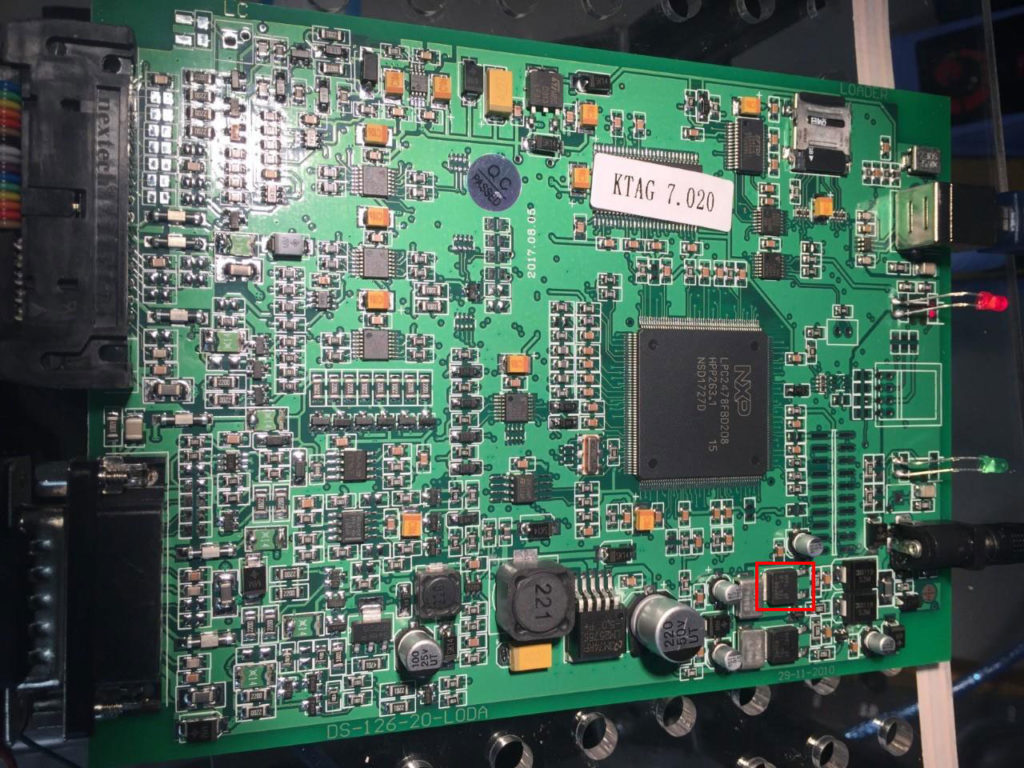
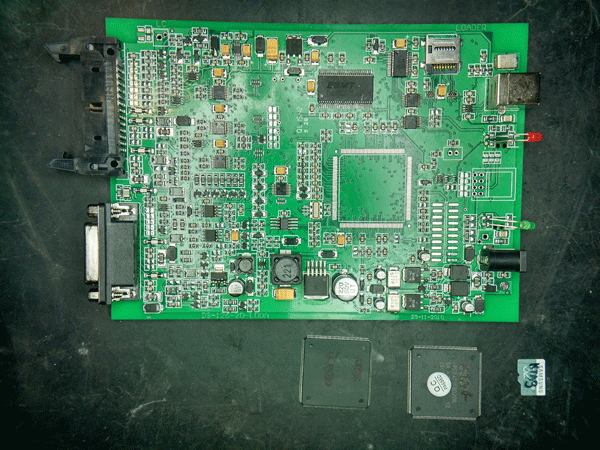
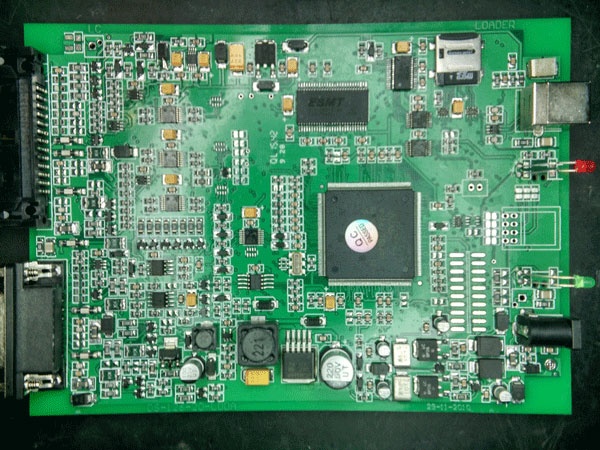
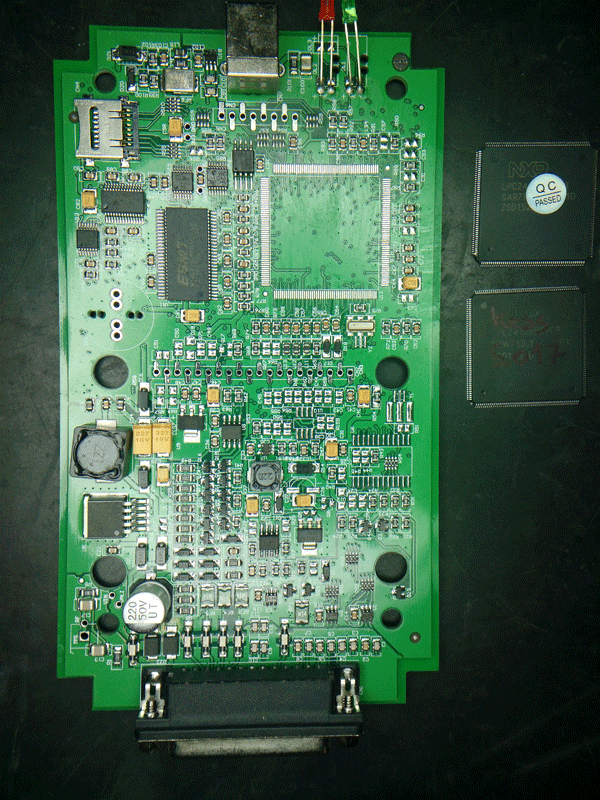
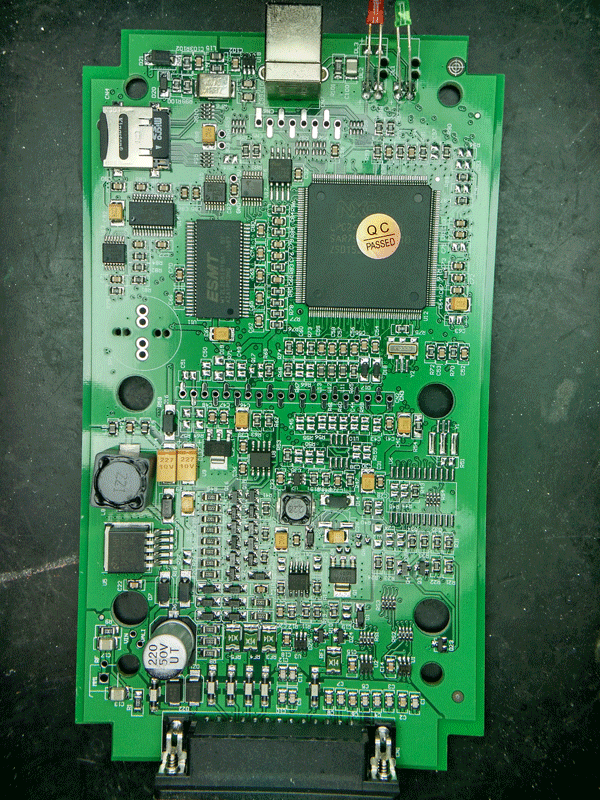
Here is the board with faulty component(s)

Changed this component and it worked.


Part 3: Ktag Kess V2 working good with 12V

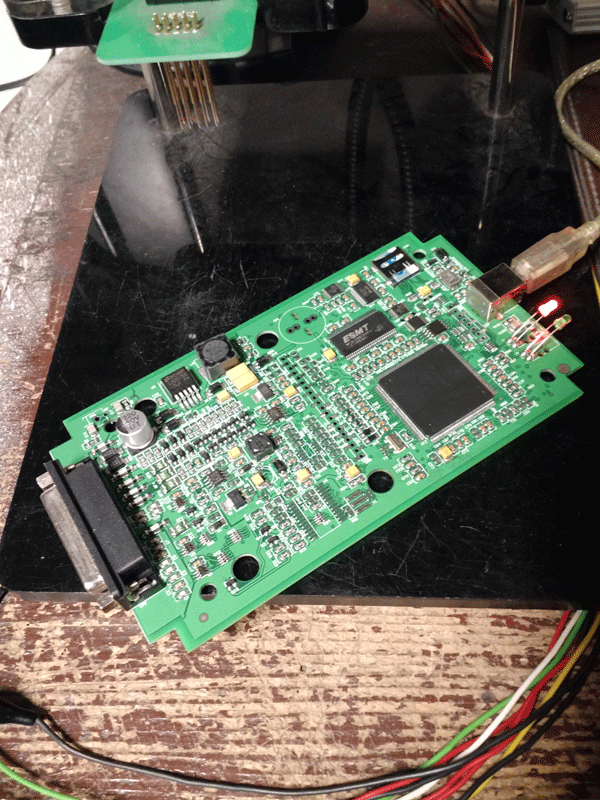
Ktag Kess V2 with best components works well

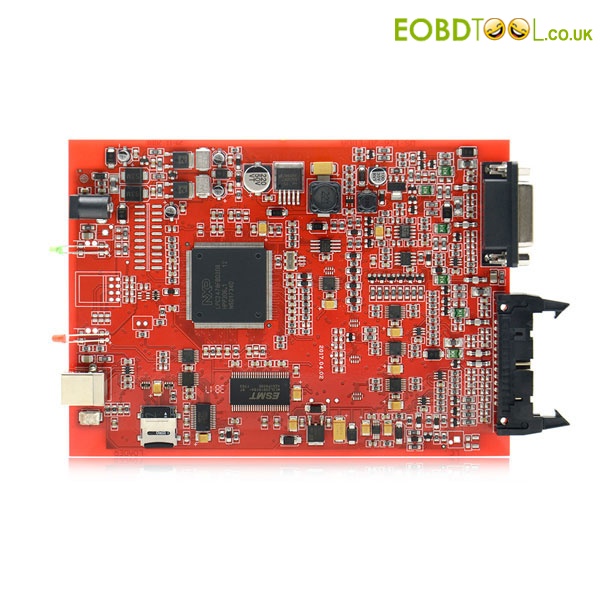
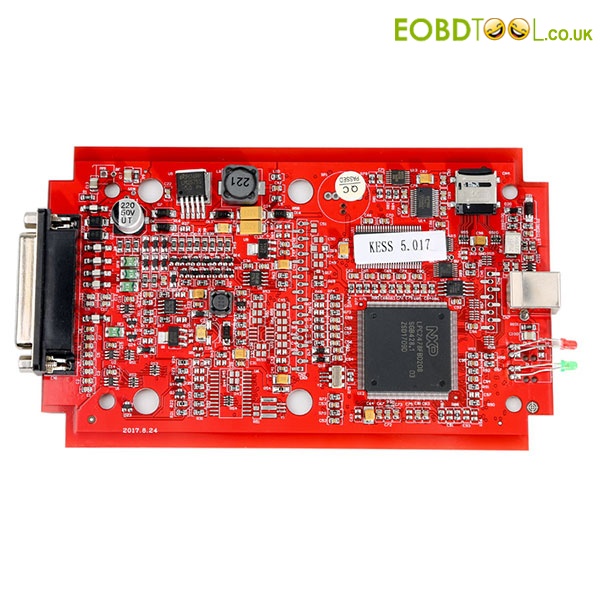
Note that Red PCB version works better than Blue & Green versions

Ktag 7.020 maximum quality:
http://www.eobdtool.co.uk/wholesale/ktag-v7020-eu-version.html

Kess v2 5.017 of maximum quality:
http://www.eobdtool.co.uk/wholesale/kess-v5017-eu-version.html

original post:http://blog.eobdtool.co.uk/solved-ktag-kess-v2-no-12v/

2018年2月16日星期五

Feedback of Kess V2 5.017 Ktag 7.020

Here comes the review of Kess V2 5.017 from the customer of eobdtool.co.uk

Here we go:

MCU arrived today (four days by dhl).

I reworked kess and seem to work, sw open and show protocol active but I haven't tried on a car.

Kess v2 5.017 rework:

Rework of ktag ok, seem to work.

I haven't tried on real car or ecu for now, but seem to work.when I tried on ecu I post result.

Ktag 7.020 rework:

Ktag work very well!

I tested with a lot of edc17 in these day and read and write without problem.

Tested
with a edc17c50 bmw 120d f21 with gpt, read and write ok.


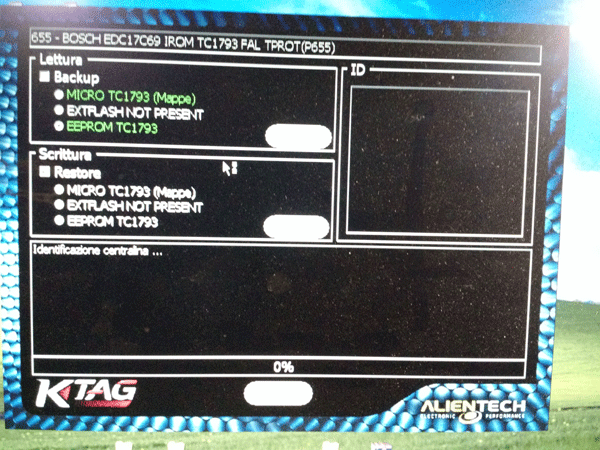
I have a fiat edc17c69 virgin (without software inside), this I can't read.

In these day I must read a Toyota with nec, when I read post results.

Ktag haven't token, I read more than 30 ecu and work the same.

2018年2月14日星期三

Copy and Share Kess V2 and Ktag Cables and Adapters Pinouts

Here share the process how to copy Kess V2 and Ktag cables and adapters pinouts, including DSG DQ200 and DSG DQ250, less v2 bmw cables, ktag 14P600KT06.

Maybe together we can get all the pinout cables motorcycles, tractors, boats, DSG and adapters ktag.

i will star with this, DSG DQ200 and DSG DQ250

DQ200 adapter


DQ250 adapter


Kess V2 BMW cable


K-TAG 14P600KT06 cable Pin Out (GPT)


2015年7月20日星期一

How to Add Tokens for New V2.11 KESS V2

New V2.11 KESS V2 Unlimited Tokens Version is an ECU chip tuning tool that supports multi-function, like check battery voltage, automatic correction of checksum, DTC removal, reading and writing speed etc with multi-language.
Software Version: V2.11;
Hardware Version: V4.036;
Support System: Windows XP;
Here I would like to share the whole tutorial on how to add tokens for this new V2.11 KESS V2 device.
Note: Please disable both local area connection and wireless network connection, otherwise you will get the interface damaged!


Extract “Tool”Zip File;
Copy all the files under “Tool” Folder into desktop;
Copy “K-Suite_tokens” Zip File into Local Dick C, and to extract;


Run “K10033818 K2-TR ECU TUNERS”;
Click OK;


Browse the folder as Local Disk C:\KSuite tokens\KSuite;
Click OK;


Click “Rest Token Count”;


Click OK and then wait for loading;
Next close the window;
Delete previously extracted “K-Suite_tokens” Folder in the Local Disk C;
Re-extract “K-Suite_tokens” Zip File again;
Re-name “Token1.tok” on the desktop as “Token2.tok”;
Copy “Token2.tok” into “Tokens” Folder;


Open“K10033818 K2-TR ECU TUNERS” again;
Select location as Local Disk C:\KSuite tokens\KSuite again;
Click “Rest Token Count”;
Wait until the window below pop out;